A practical CV-building workflow
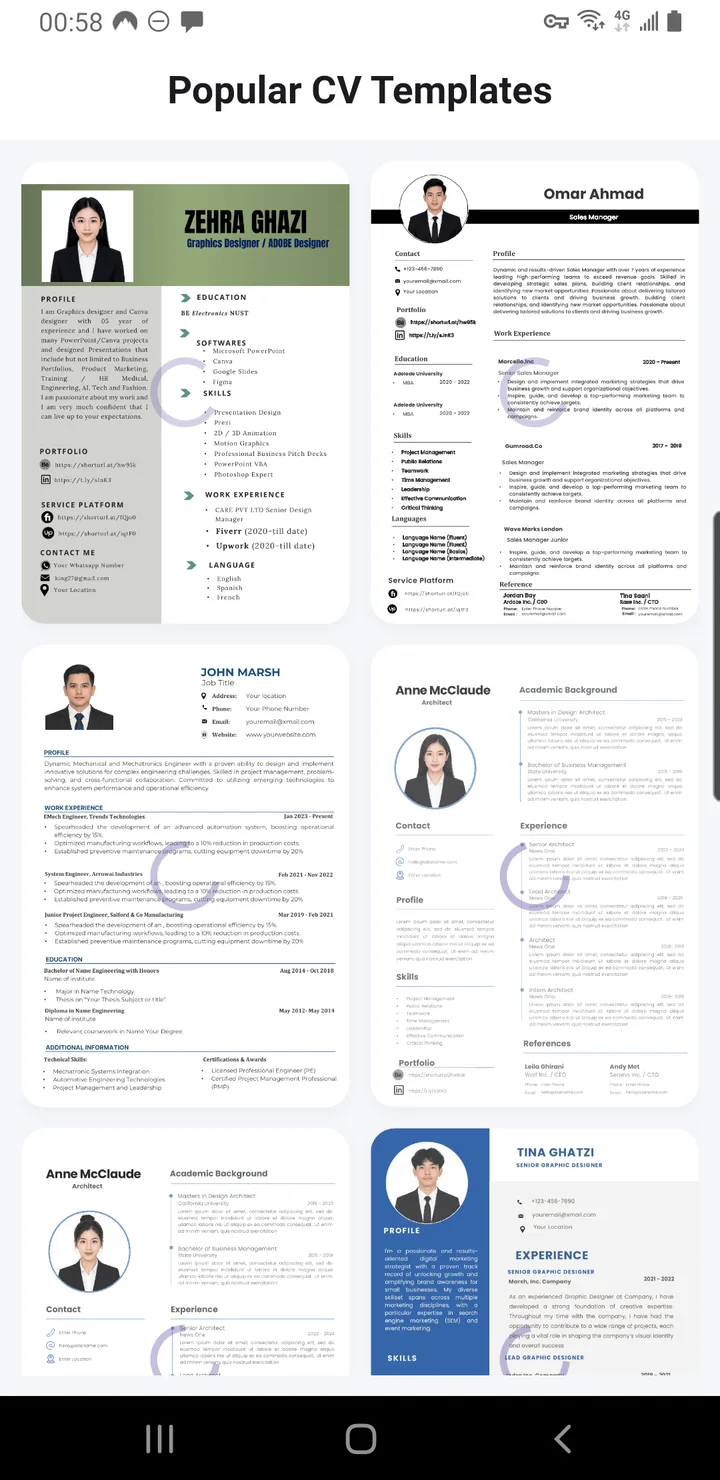
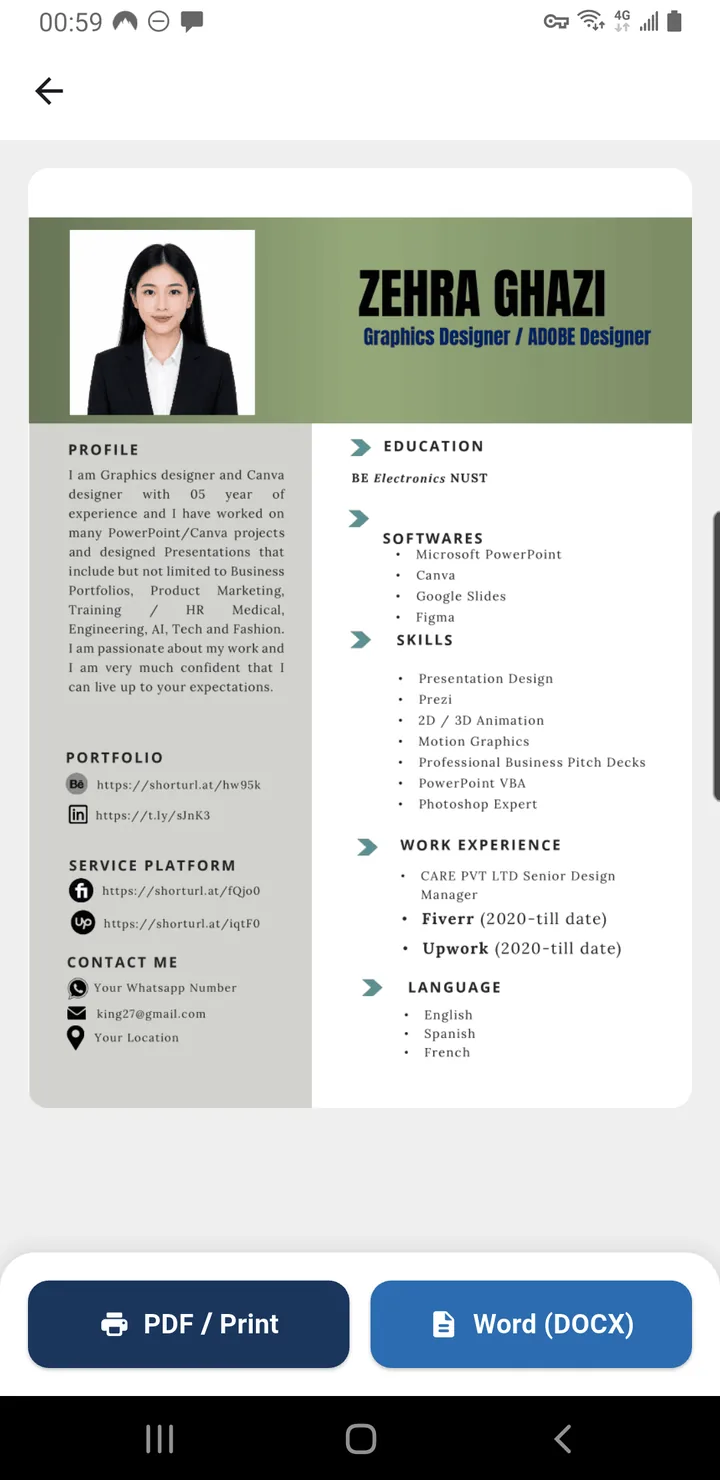
A CV introduces your education, skills and work experience to an employer. The app offers a selection of designs and editable sections so that you can organize this information without building a layout from scratch.
How to get started
- Pick a template suited to the type of role you are applying for.
- Enter your contact details and a short professional summary, using only the information you want an employer to see.
- Add your education, relevant work experience, skills, achievements and certifications.
- Review the layout for consistency, spelling and readability in Khmer or English.
- Export your completed CV as a PDF, and check the final document before sending or printing it.
What makes a useful CV?
- Keep job titles, dates and contact information accurate.
- Tailor your experience and skills to the job advertisement rather than including every past activity.
- Prefer concise examples of work you actually completed.
- Use a clear template that remains readable on a phone and on A4 paper.
Privacy before sharing
Review the PDF for personal information before distributing it. Share only the details needed for an application, and check the recipient carefully. For current permissions and data-handling disclosures, use the app’s Google Play listing.
← Browse the other Android applications
View genuine app screenshots
See screenshots and the latest published description in the official Google Play listing. The images shown elsewhere on this site are app icons, not screenshots of an installed app. Website screenshot galleries will be added only after current, owner-approved screenshots are supplied.